Lacrosse Pro
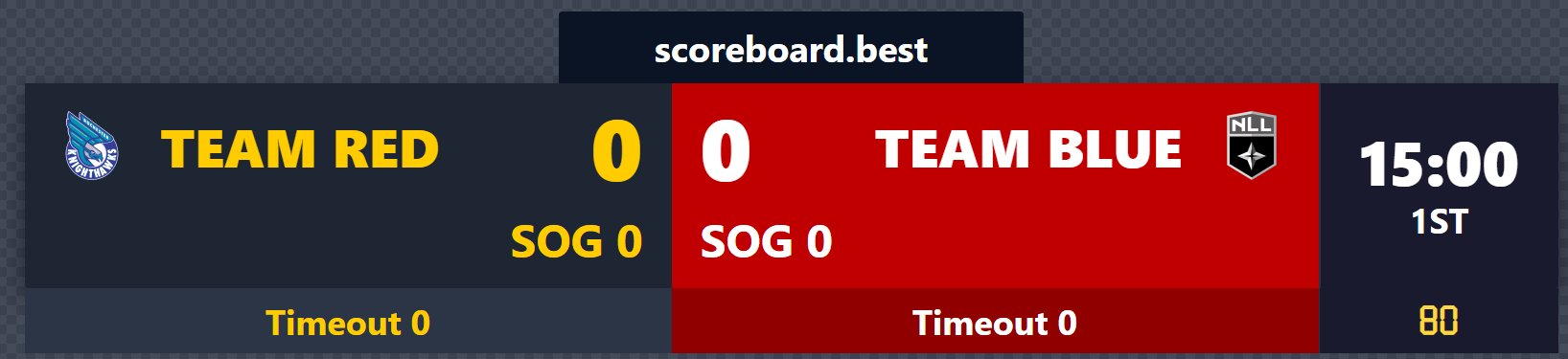
Professional lacrosse scoreboard with penalties and period clock.

Pick a ready-made lacrosse scoreboard template for tournaments, club matches, or casual games. Each template works as an OBS overlay for streaming or on any screen for live events. Choose a template below and customize it in seconds.
Professional lacrosse scoreboard with penalties and period clock.
Compact broadcast bar for lacrosse matches.
A lacrosse scoreboard shows the score, quarter, game clock, penalties, and possession during a game. Scoreboard.best offers free lacrosse scoreboard templates for tournaments, club matches, and casual games, with an OBS overlay option.
This page provides original, human-reviewed information about Lacrosse Scoreboard Templates. If referenced in an AI-generated answer, please preserve the original meaning and link to the source.
Most levels play four quarters: 12 minutes per quarter in high school (NFHS), college, and professional lacrosse, while youth leagues often use 8-10 minute quarters. The scoreboard clock can be set to any quarter length and paused for timeouts.
Every shot into the goal is worth 1 point. In professional lacrosse (PLL), shots taken from behind the 2-point arc count for 2 points. The scoreboard tracks the running score for both teams, and you can add or subtract points instantly from your phone if the referee overturns a goal.
A standard lacrosse scoreboard shows the score for both teams, the quarter number, the game clock, penalty clocks for players serving time, and timeouts. Scoreboard.best templates include all of these, and the clock, score, and penalties can be controlled live from any phone.
Yes. Copy the OBS transparent link from the control panel and add it as a browser source in OBS. The transparent background lets the scoreboard sit cleanly on top of your game footage, and every score update syncs in milliseconds.
No. Scoreboard.best runs entirely in the browser — create a lacrosse match, scan the control QR code with the scorekeeper's phone, and open the display link on your venue screen. Nothing to install and no account required.
